GRAVITY SKETCH FOR BEGINNERS
Learn 3D Design in VR and bring your own creations to life
Gravity Sketch opens up a completely different way of creating in 3D. Instead of sketching flat ideas on paper or trying to imagine how a model might look from every angle, you can put on a headset and build directly in 3D space.
This course is designed to help you understand Gravity Sketch from the ground up, even if you have never designed in VR before.
Whether you are a hobbyist, a student, a product designer, a creature designer, a concept artist, or someone who simply wants to explore a new creative tool, this course will guide you through the process in a clear, practical and beginner-friendly way.
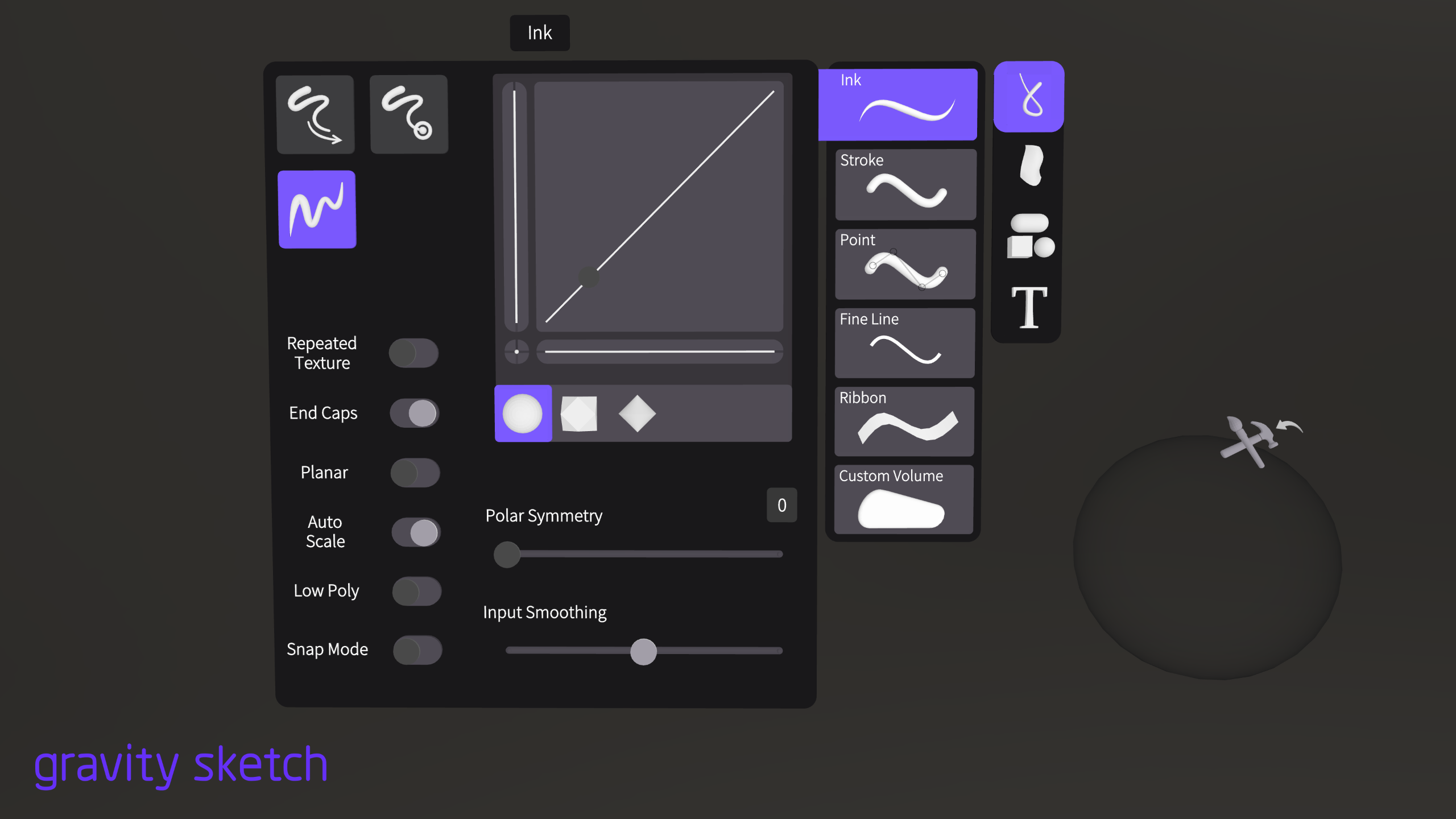
Gravity Sketch is used as an immersive 3D workspace for sketching, modeling, ideation, design, collaboration and review, and it works with most modern VR headsets.
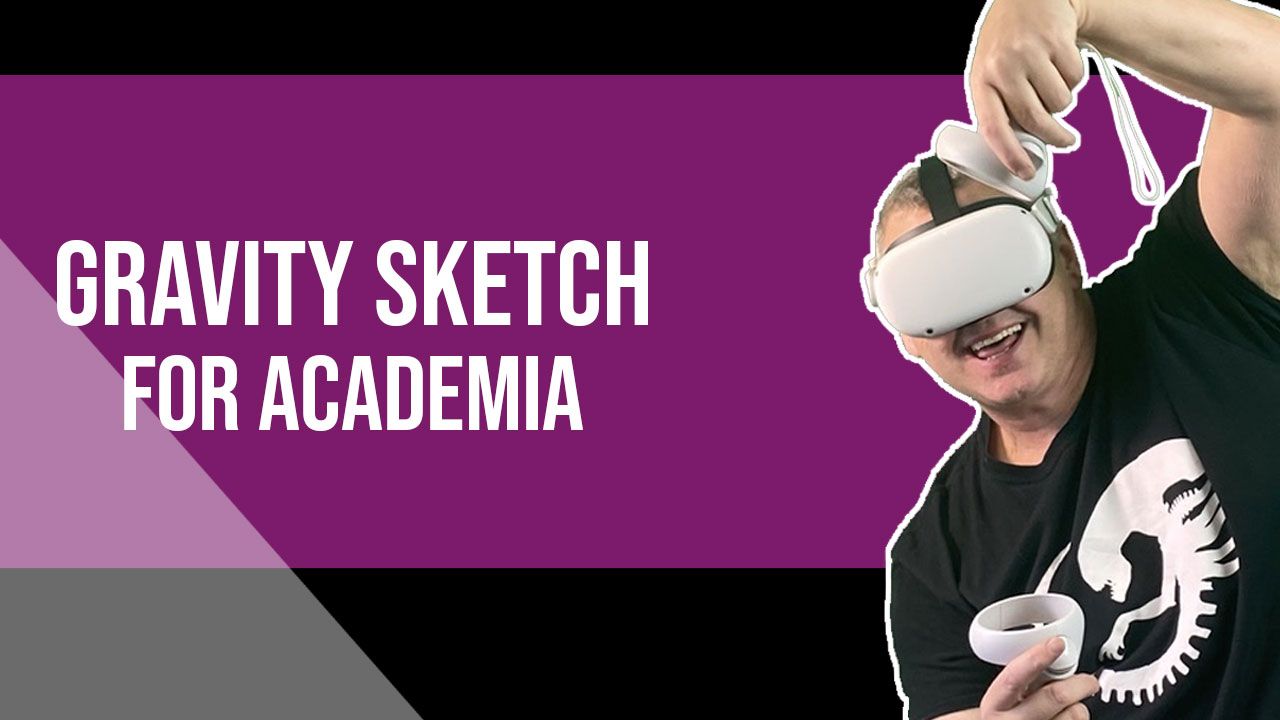
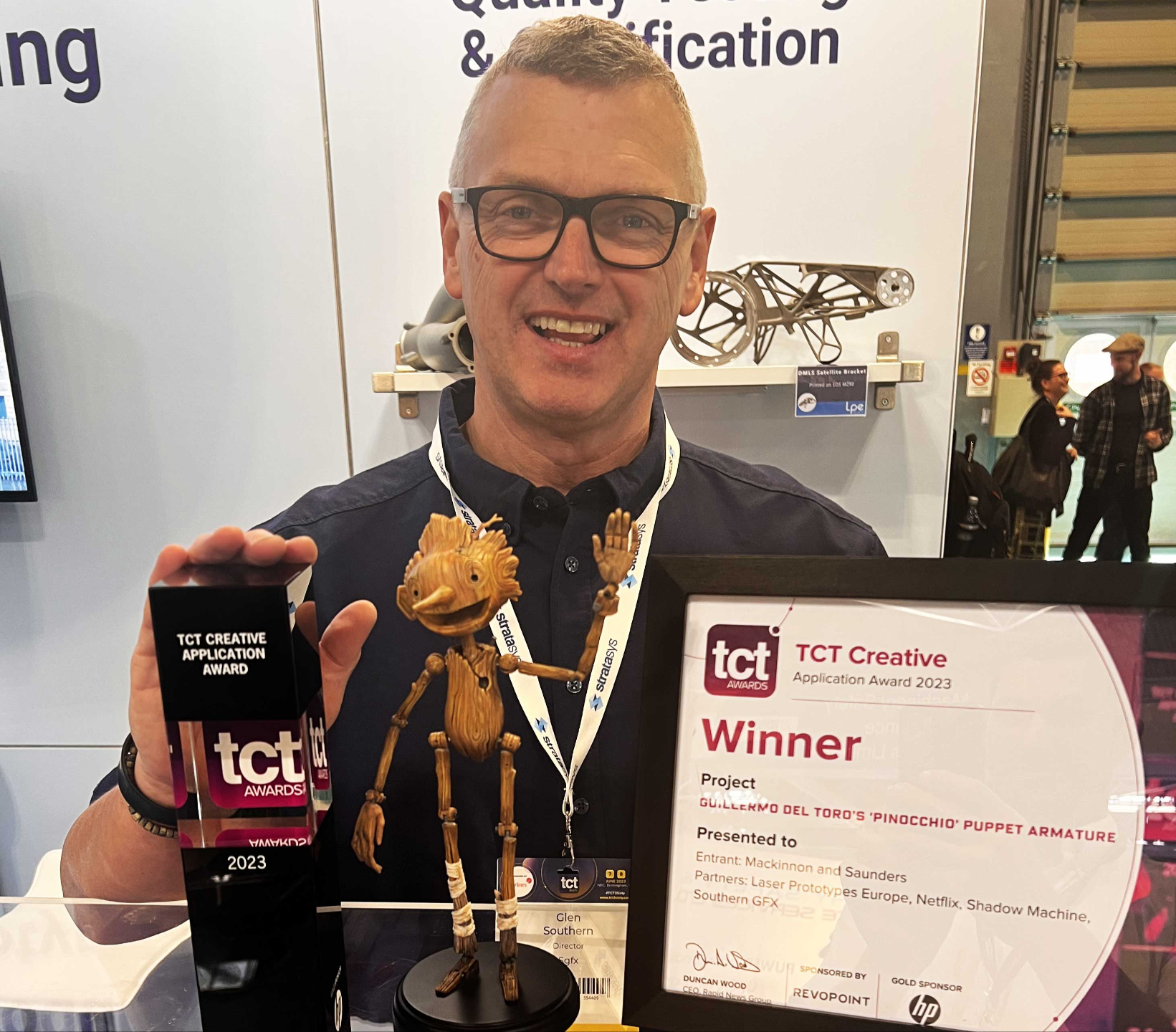
Learn more about Glen Southern
So who am I and why am I qualified to teach you?
- 25+ Years teaching digital sculpting
- 1000s of satisfied customers
- MA (Immersive Design), PGCert, FHEA
- Up-to-date industry experience
- Constantly updating my own skills
- Software developer testimonials
- Experience in a wide range of teaching environments
- Nomad Sculpt courses sold worldwide in over 90 countries
Design in an Immersive environment
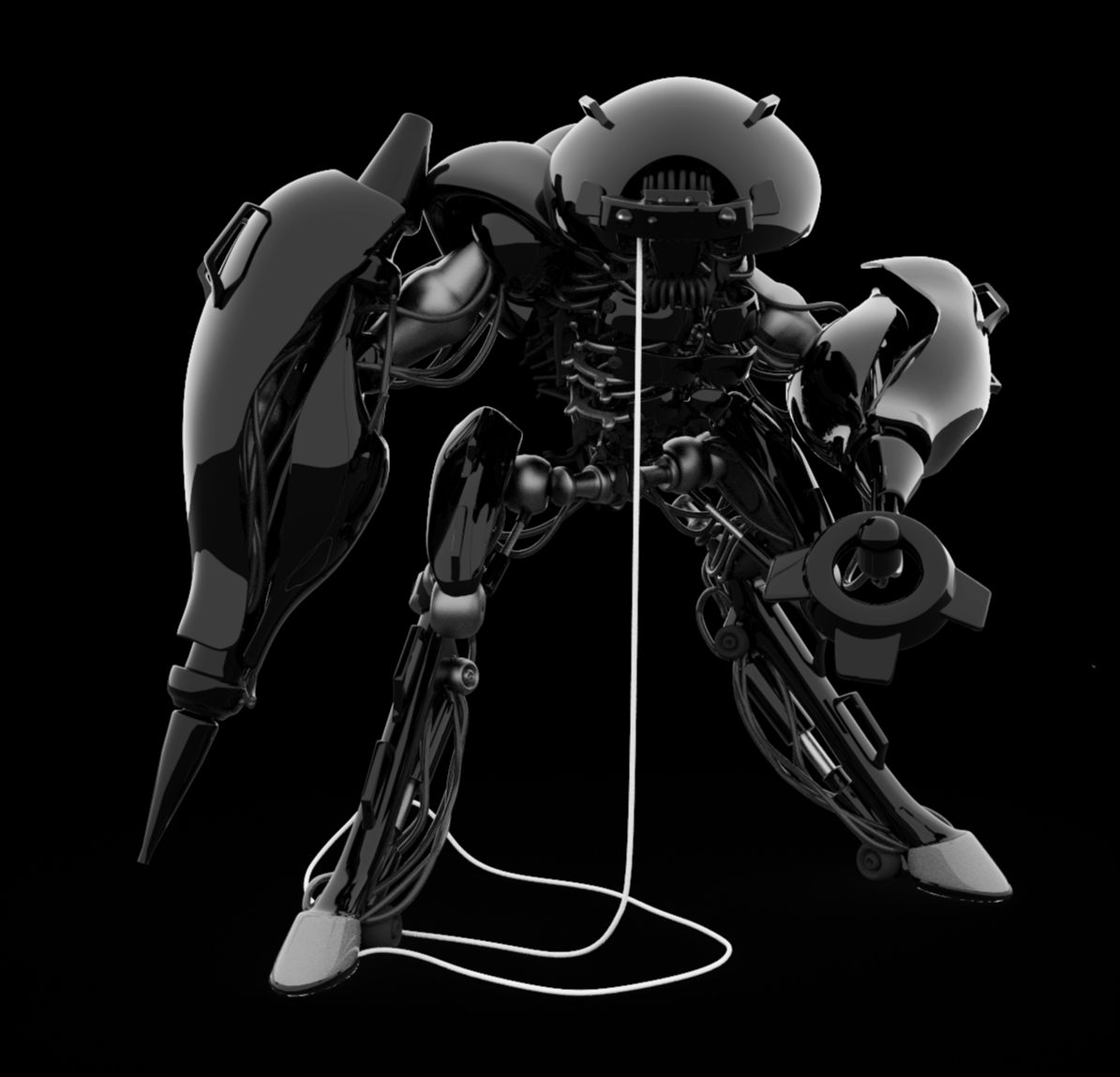
Instead of rotating a model on a flat screen, you can walk around your design, view it from every angle, and understand the form in a much more natural way.
This makes it especially powerful for:
- Product design
- Vehicle design
- Creature and character forms
- Props and hard-surface concepts
- Objects for 3D printing
- Concept development
- Creative idea exploration
For many artists, the biggest breakthrough is this: you are no longer trying to imagine the 3D form — you are standing inside the creative process
A Beginner-Friendly Introduction to VR Design
If you have opened Gravity Sketch and felt a little lost, you are not alone.
VR design can feel unfamiliar at first. You are using your hands, your headset, your controllers and your space in a completely different way from traditional 3D software.
That is exactly why this course has been created.
Glen will take you through the tools, the workflow and the creative thinking step by step, so you can stop guessing and start creating with confidence.
You do not need to be a professional designer to begin. You just need curiosity, a headset, and a willingness to explore a new way of making 3D work.
"Glen Southern joined the Gravity Sketch journey from the very early days helping us better develop the tool for a wider set of digital 3D workflows. He has since become an expert and often the person we go-to when it comes to sharing new features with customers and the community. What we like most about working with Glen is his enthusiasm for creation and non-basis approach. He has a wide knowledgebase of the 3D ecosystem and shares this to help guide us in a more relevant direction. It's a pleasure working with him and we are excited to see where he takes the tool next."
- Oluwaseyi Sosanya, CEO of Gravity Sketch
Why Learn Gravity Sketch?
Gravity Sketch is not just another 3D app. It's a different way to approach your work.
It changes the way you think about shape, proportion, scale and flow. Because you are sketching and modeling directly in 3D space, your ideas can develop faster and feel more intuitive.
You can block out forms quickly, explore designs from every side, make changes naturally, and build up your confidence with 3D design in a much more hands-on way.
For anyone coming from Nomad Sculpt, ZBrush, Procreate or traditional sketching, Gravity Sketch can become a powerful part of your creative workflow. It can help you plan ideas, develop forms, create clean design concepts, and build models that can be taken further into other 3D software.
What You Will Learn
In this course, Glen will guide you through the core skills you need to start using Gravity Sketch properly.
You will learn how to move around the VR workspace, understand the basic tools, create simple forms, build more complex shapes, and develop your ideas into 3D designs.
You will learn how to:
- Get comfortable inside the Gravity Sketch workspace
- Use the main tools and menus with confidence
- Sketch and build directly in 3D space
- Understand scale, shape and proportion in VR
- Create clean forms and design concepts
- Develop ideas from rough sketches into stronger 3D designs
- Use Gravity Sketch as part of a wider creative workflow
Why Gravity Sketch?
Build Ideas Faster
One of the biggest advantages of Gravity Sketch is speed.
When you are trying to design something in 2D first, it can take a long time to work out how the form really behaves. You may need front views, side views, perspective sketches and lots of trial and error.
In Gravity Sketch, you can start shaping the idea immediately.
You can draw in the air, move around the object, resize it, adjust it, and see very quickly whether the design is working.
This makes it ideal for early concept development, when you want to get ideas out of your head before overthinking them.
A Next Step VR Artists
If you already enjoy sculpting in Nomad Sculpt or ZBrush, Gravity Sketch gives you another creative tool to add to your process.
It is not about replacing sculpting software. It is about giving you a different way to begin, explore and design.
You can use Gravity Sketch to create rough concepts, block out shapes, test silhouettes, explore scale and build design ideas before taking them further in another program.
Learn With Glen Southern
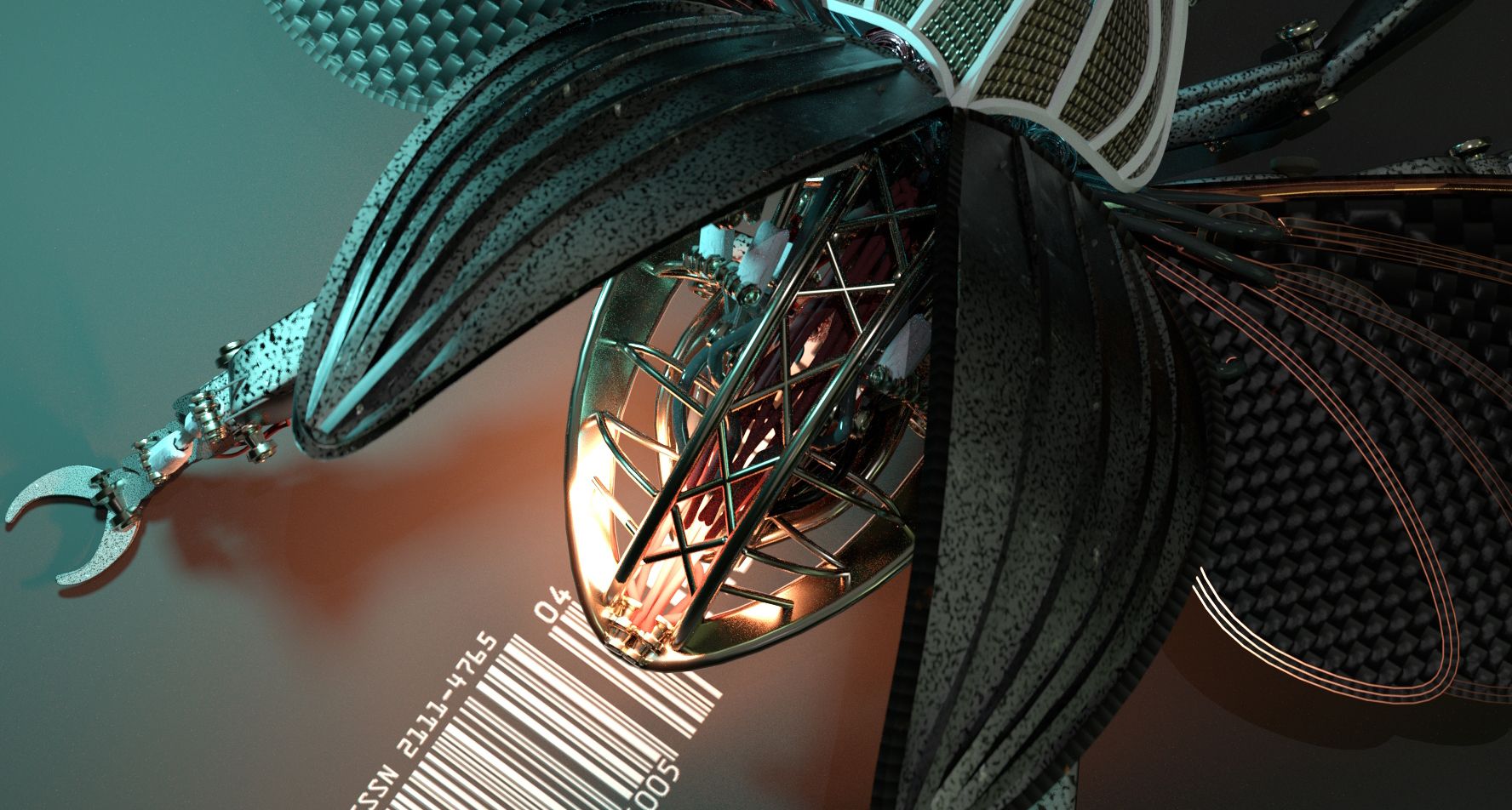
Glen Southern is a professional 3D artist, sculptor and creature designer with decades of experience across digital sculpting, creature design, product design and creative education.
If you have taken one of Glen’s courses before, you will know his teaching style is practical, calm and easy to follow.
He does not just show you the tools. He shows you how to think like a designer.
In this course, Glen brings that same approach to Gravity Sketch, helping you understand how to use VR as a real creative tool rather than just a novelty.
Who is the course for?
What Makes This Course Different?
What do I need?
Empty space to 3D Design in VR
The first time you enter a VR design space, it can feel strange.
There is no paper. No tablet. No flat screen in front of you.
Just you, your hand, your tools and an empty 3D space.
That empty space can feel intimidating but it can also be freeing.
We help you get past that awkward stage and start enjoying design.
Gravity Sketch can feel like one of the most natural ways to create.
Start Creating in a Completely New Way
3D Design is changing.
More artists, designers and studios are exploring immersive tools because they allow ideas to be created, tested and understood in a more natural way.
Gravity Sketch is already positioned as a tool for immersive ideation, collaboration and design review, with use across product and design teams.
But you do not have to be part of a big studio to start learning it.
This course gives you a clear route into VR design, taught by an artist who understands both the creative and technical side of 3D.
DETAILS OF EACH MODULE
COURSE INTRODUCTION
NAVIGATING IN VR
TOOLS
MATERIALS AND TEXTURES
ORGANIC CHAIR (BEGINNER)
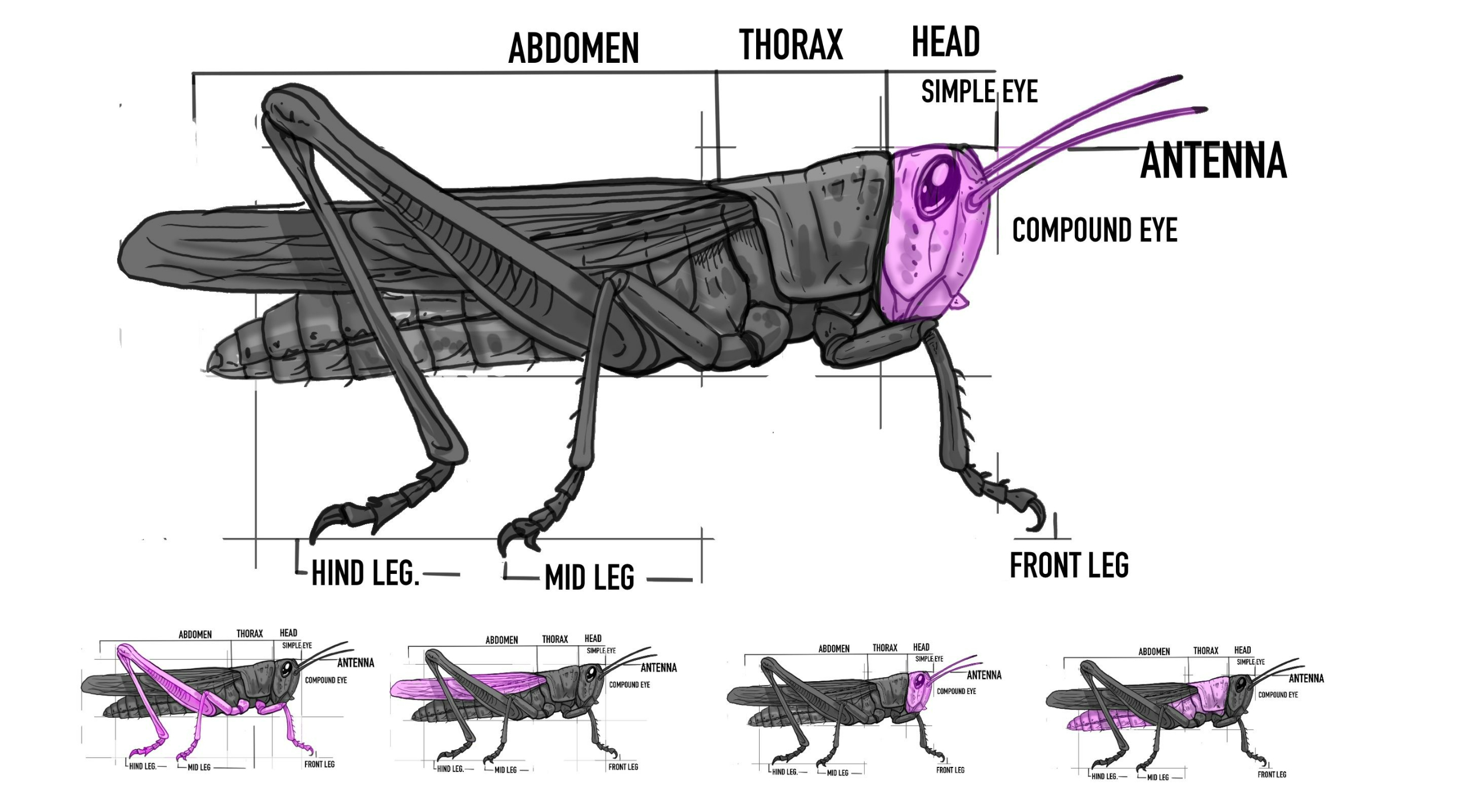
GRASSHOPPER 3D MODEL (INTERMEDIATE)
MODEL A HEAD (ADVANCED)
K9 ROBOT DESIGN
JOIN THE COURSE
If you have been curious about designing in VR, this is your chance to start properly.
- Learn the tools.
- Understand the workflow.
- Build your confidence.
- Start creating directly in 3D space.
Gravity Sketch gives you the freedom to step inside your ideas.
Glen will show you how to begin.
Join the Gravity Sketch course today and start learning a completely new way to design in 3D.
Join here!