
Gravity Sketch - Using the Crease Tool
Gravity Sketch - Using the Crease Tool
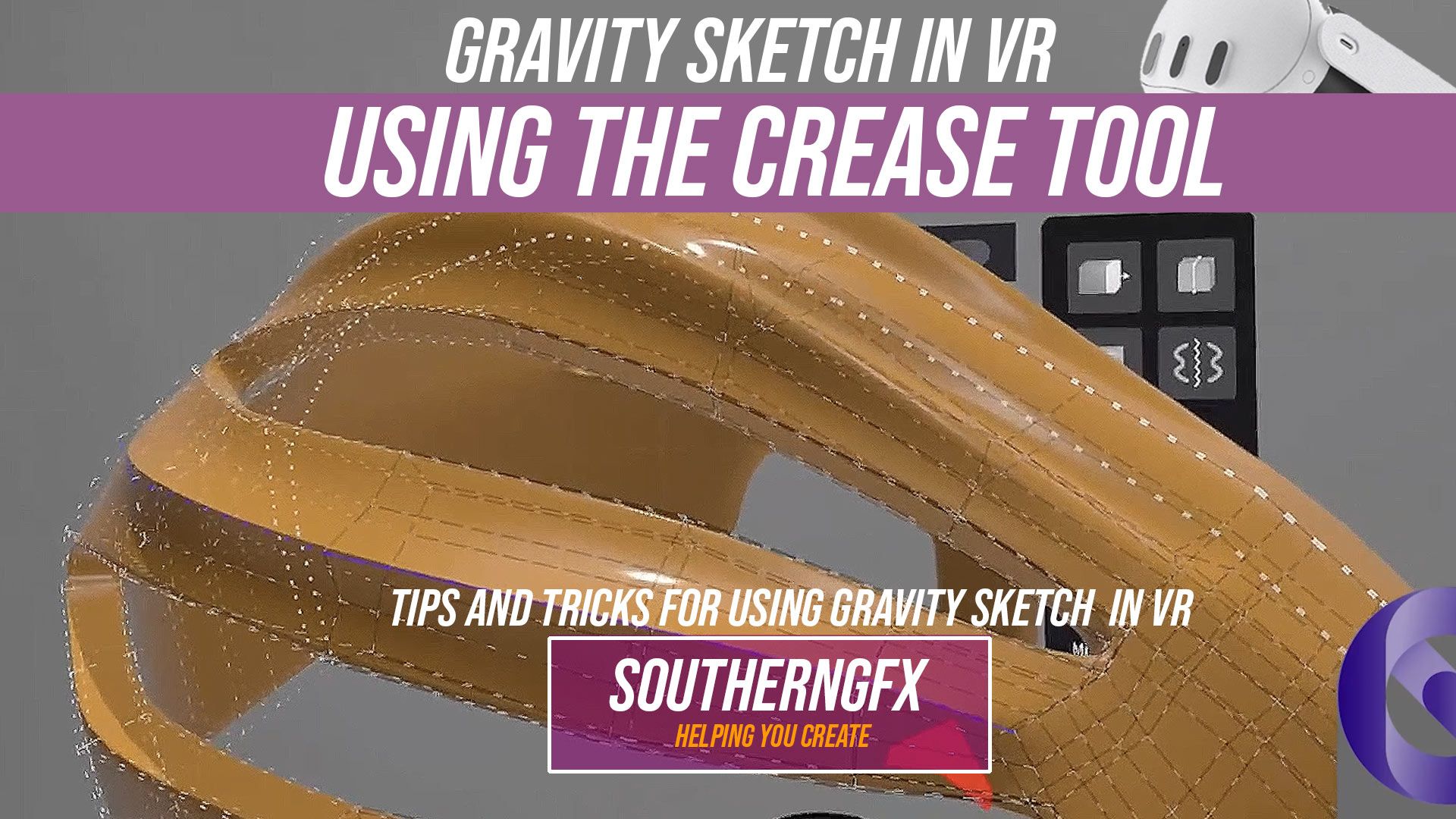
in a new series of showcasing the tools in Gravity Sketch. Today I’m showing a tool in the video that I don’t use that much in other 3D Programs and that is the crease feature. It's great in a program like gravity sketch where you want to keep the poly count down but also get really cool edges. Gravity Sketch is well known as a tool for automotive and industrial designers. It isn’t well-known as a tool for character and creature artists.
The crease tool in Gravity Sketch sits in that quiet category of features that doesn’t announce itself as revolutionary, but quickly becomes indispensable once you understand what it’s really doing.
At first glance, it feels simple: a way to sharpen an edge. But in practice, it’s doing something far more important. It’s defining intent. It tells your surface where to hold tension, where to break light, and where to transition from soft to hard. In a medium like VR, where everything begins as fluid and almost c...
Gravity Sketch - Potters wheel
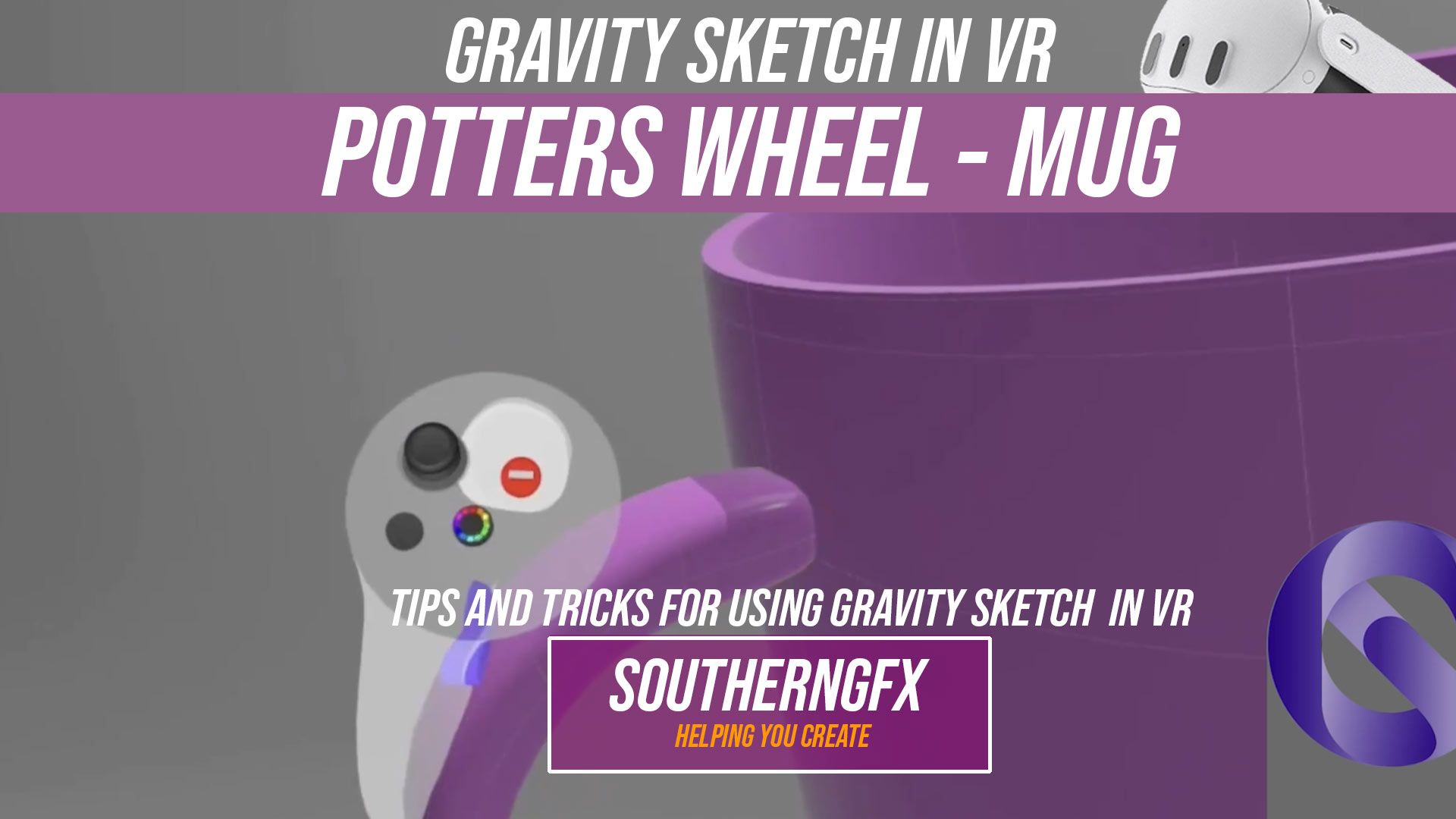
Think of the revolve tool in Gravity Sketch like working on a potter’s wheel.
You start with a simple side profile of your mug — just a flat line that shows the shape from the middle outwards. This is like a potter shaping the outline of clay with their hands. When you use revolve, you’re essentially spinning that profile around a central axis, just like a wheel spinning clay.
As it turns, that flat shape becomes a full 3D form instantly — smooth, symmetrical, and clean. The faster and more confidently your profile is drawn, the nicer the final surface feels, just like steady hands on a real wheel. So the process becomes: form the mug with the “wheel” using revolve, then craft the handle like a sculptor and attach it with care. It’s a nice blend of precision and craft — half digital pottery, half design.
Sculpting on your Iphone
This week's Youtube video was an experiment in how to sculpt on your iPhone.
Sounds a little crazy I know but bear with me and take a look:
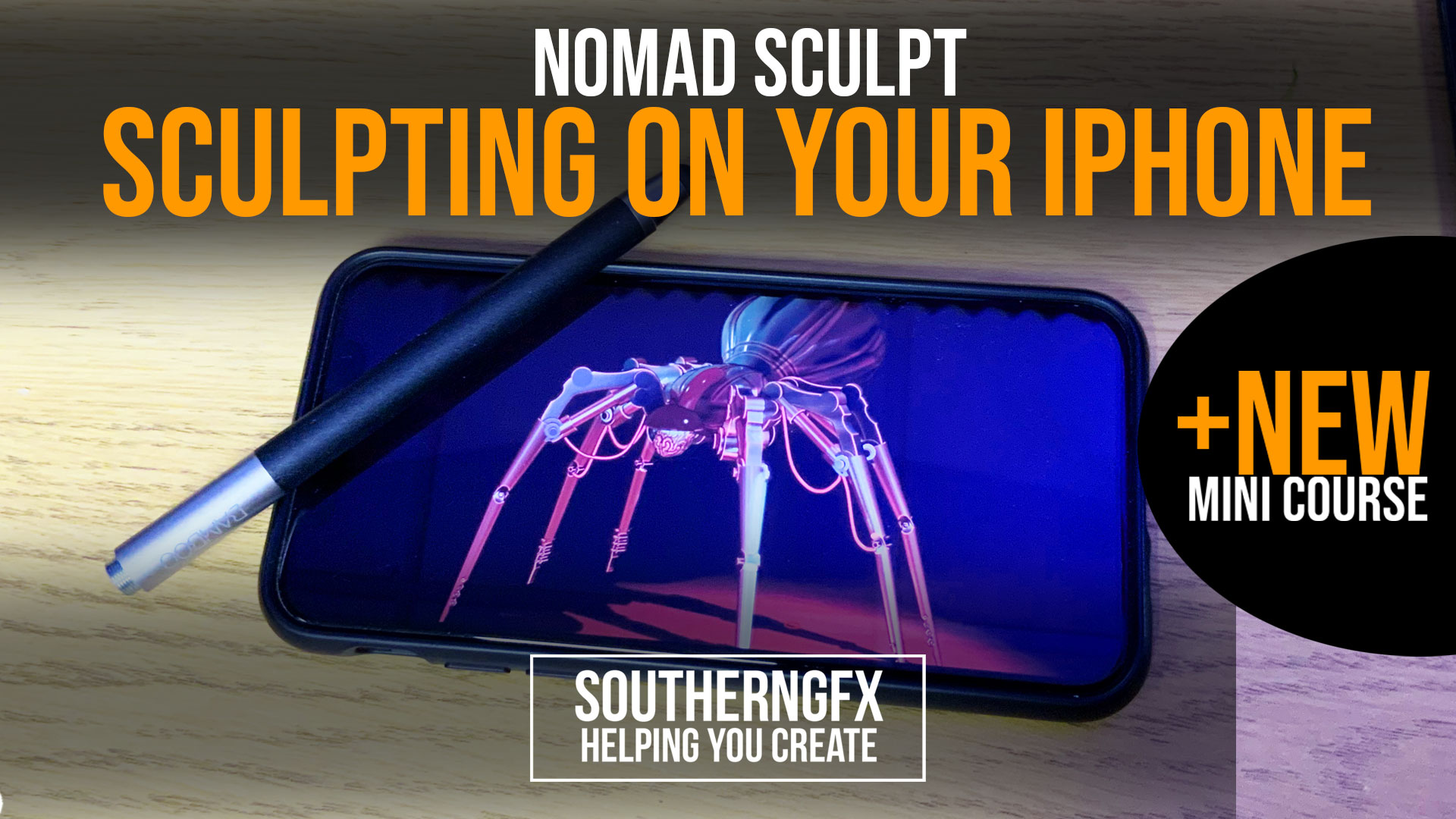
Can you sculpt on an iPhone? We have spent months using Nomad Sculpt on the iPad and showing how amazing that can be, but we never looked at whether it's possible on an iPhone. Until now! Sculpting on an iPhone might seem counterintuitive as the screen is so small but believe it or not it's actually quite a nice experience You can even go full screen and get much more space with a four-finger tap! As far as 3D mobile apps go, Nomad sculpt must be one of my favourites right up there with Procreate. Sculpting model on your phone is possible with a range of cheap styluses and whilst they are not even close to the amazing apple pencil, the results are great. So let’s take a look at how to sculpt on your iPhone with nomad sculpt and create some smartphone 3d art. Come on Maxon! Release a new version of Forger as Nomad sculpting is killing it rig...
So tonight we are sending a link to our existing members with a discount offer for our second iPad sculpting course, all about sculpting a Trex on your iPad with Nomad sculpt.
If you have ever wanted to create your own dinosaur from scratch and you like the idea of sculpting then grab your iPad and apple pencil and grab this course!
Existing members 12th March 2021
Available 17th March 2021
Nomad Sculpt - Making and using matcaps in Procreate for nomad sculpt - Part 2
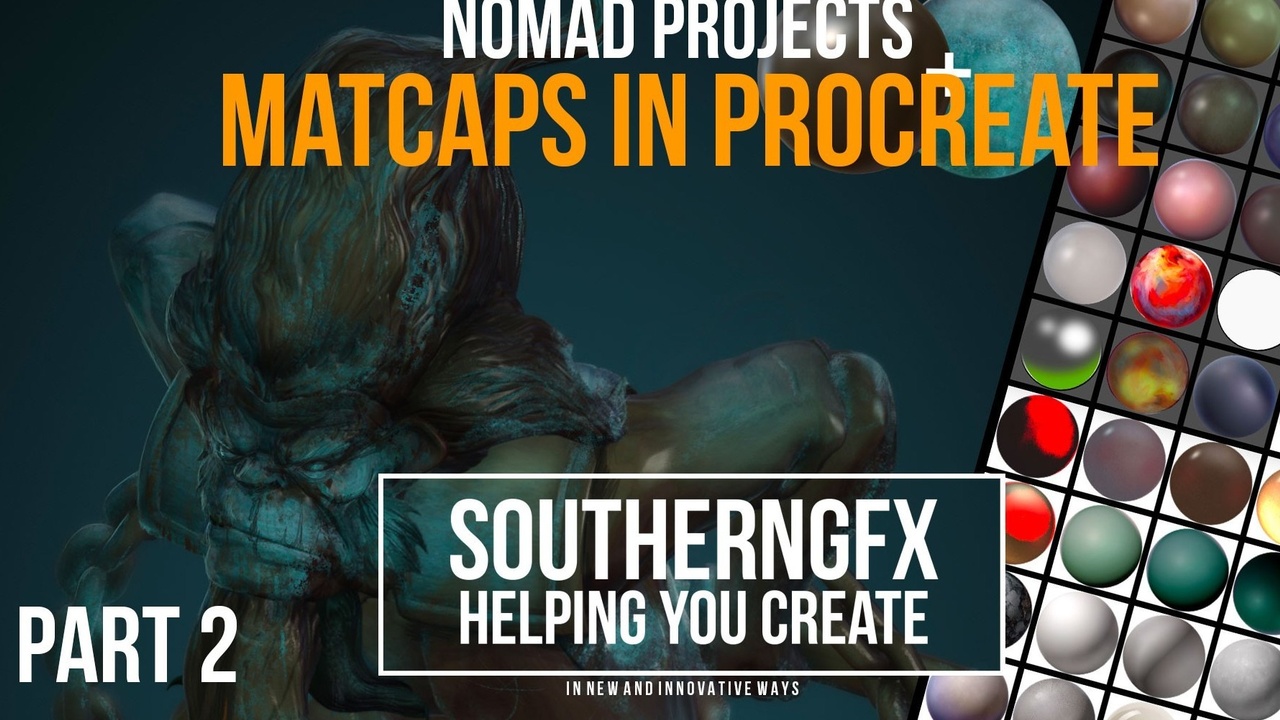
This is the second video in a Nomad Sculpt Matcap set.
In the first video, I looked at how to make Matcaps in a few different ways using Nomad Sculpt and Procreate on the Ipad. This video is about what we do with the output from that first one. Matcaps were made very popular in programs like ZBrush in the mid-2000’s. You now find them in lots of programs including Blender, Modo and, of course, Nomad. They are sometimes called LitSpheres.
Blenderartists.org describes it as:
‘matcap stands for “material capture” – it is a complete material including lighting and reflections so you can add it to an object and not have any need for, well, lighting and reflections. It is most commonly used for sculpting, as it gives quick and useful feedback on how an objects shape is changing’
